Connect the Webdock MCP with your favorite AI agent
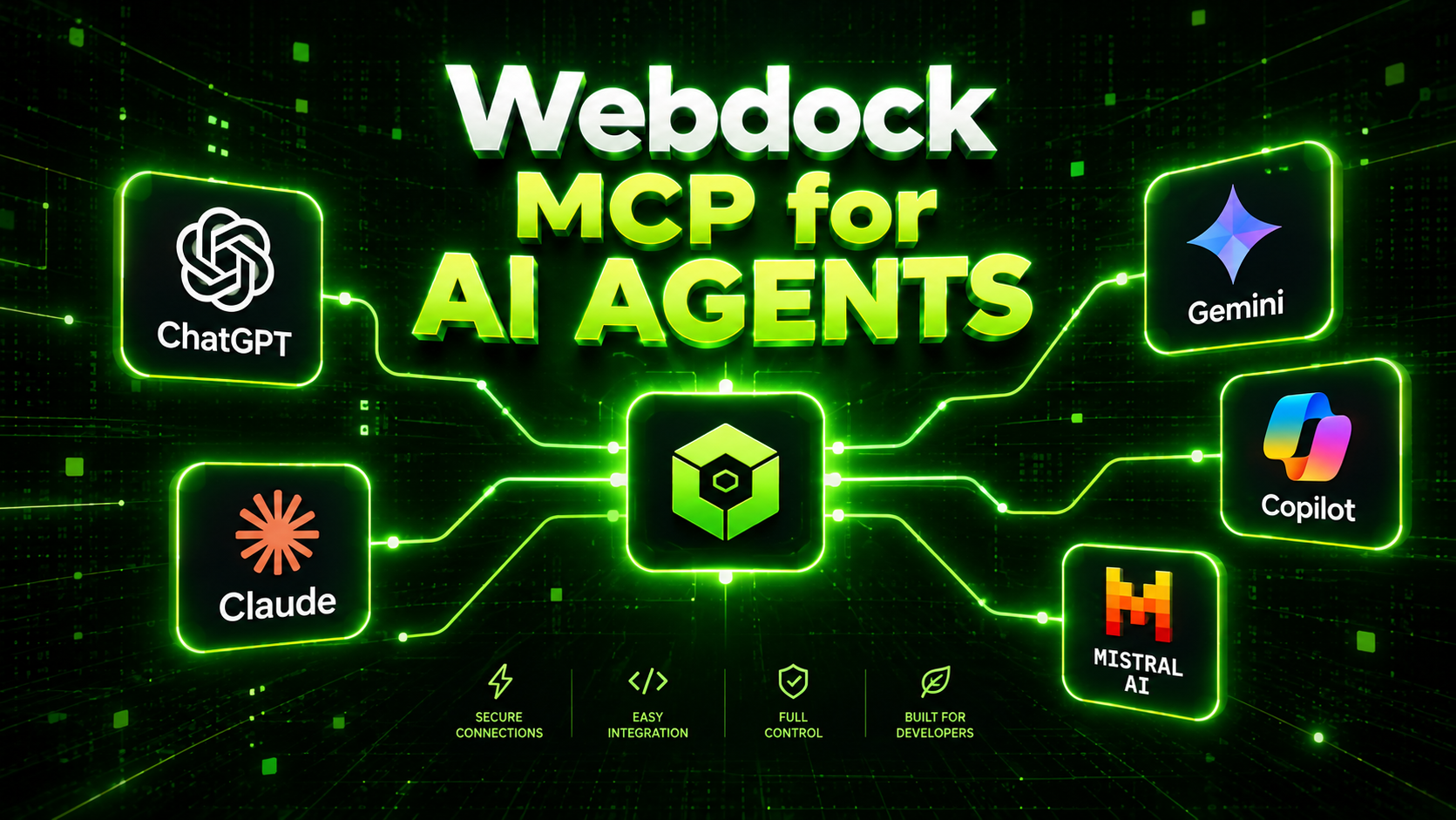
🤖 Meet Webdock MCP — bring AI to your infrastructure
Your AI assistant can write code, explain errors and help you troubleshoot. Now it can work with your Webdock infrastructure too.
We've launched Webdock MCP (Model Context Protocol), giving you a simple way to connect Webdock with your preferred AI agent — whether that's ChatGPT, Claude, Devin, GitHub Copilot or another MCP-compatible client.
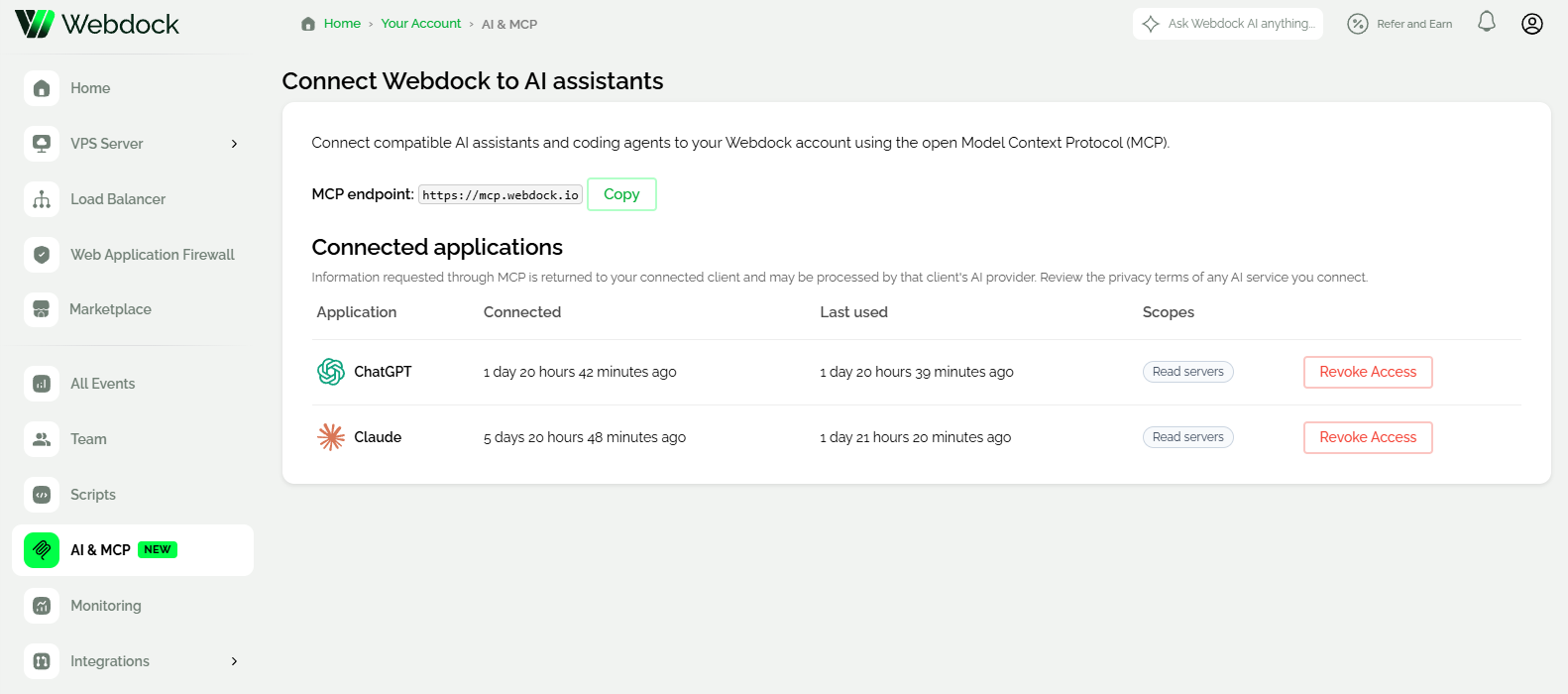
Once connected, your AI agent can interact with your Webdock account and help you manage infrastructure using natural language.
Ask questions like:
“Show me all my Webdock servers and their current status.”
“Which of my servers has the highest CPU usage?”
“Create a snapshot of my production server before we make changes.”
“Set up a new WordPress server using Webdock's managed WordPress functionality.”
You can also ask your AI agent to inspect available server locations and profiles, help plan deployments, work with Webdock-managed functionality and perform multi-step infrastructure tasks.
Your AI. Your cloud. Your rules.
Webdock MCP uses OAuth, so you authenticate directly with Webdock rather than handing your Webdock password or a general-purpose API token to your AI agent. You can review and approve the permissions you want to give it.
This opens up a whole new way of working with your infrastructure:
Less clicking. Less switching between tools. More automation.
And you don't have to change the AI you're already using. Choose your preferred agent and connect it to Webdock.
Ready to try it?
We've put together guides for connecting Webdock MCP to the most popular AI agents, as well as instructions for other MCP-compatible clients.
Explore the Webdock MCP documentation → or find it in our Dash.
Your cloud infrastructure just got an AI interface.